



Design-first front end development services
At Aufait UX, we specialize in crafting digital excellence. Our front-end development services are your gateway to swift, scalable, and responsive UI design that captivates with its stunning visuals. We don't just create digital products; we craft digital perfection.









Our front end development services
Our front-end development services combine innovation, quality and user experience to craft responsive and pixel perfect products that work seamlessly on all devices.
-
HTML & CSS (SASS) Development
We use the latest HTML and CSS frameworks to create beautiful and functional products. Our development team translates designs from Figma, Sketch, Adobe XD and other platforms to products that look great and perform even better. Experts proficient in the Bootstrap framework are also part of our UI development team.
-
Angular Development
We help you take your web app to the next level with Angular, the powerful Javascript framework. Our experienced Angular developers create complex and feature-rich web applications with near perfection.
-
React JS Development
Our expert React JS developers are skilled in using the popular Javascript library for developing UI. With React JS, we build dynamic, interactive and responsive web apps to deliver a seamless user experience.
-
Javascript / JQuery Development
We build engaging web pages that are not only functional but also visually stunning using Javascript/JQuery. Our expert developers use the framework for creating dynamic effects, animations and other interactive features.
-
WordPress Development
We have a skilled team of WordPress developers to help you shape your product. Our WordPress developers are proficient in creating custom, feature-rich, and easily-maintainable websites for businesses of all sizes.
Our front end development process
To deliver high quality and user-friendly front end development services, our development team follows a five step process.



Design handoff
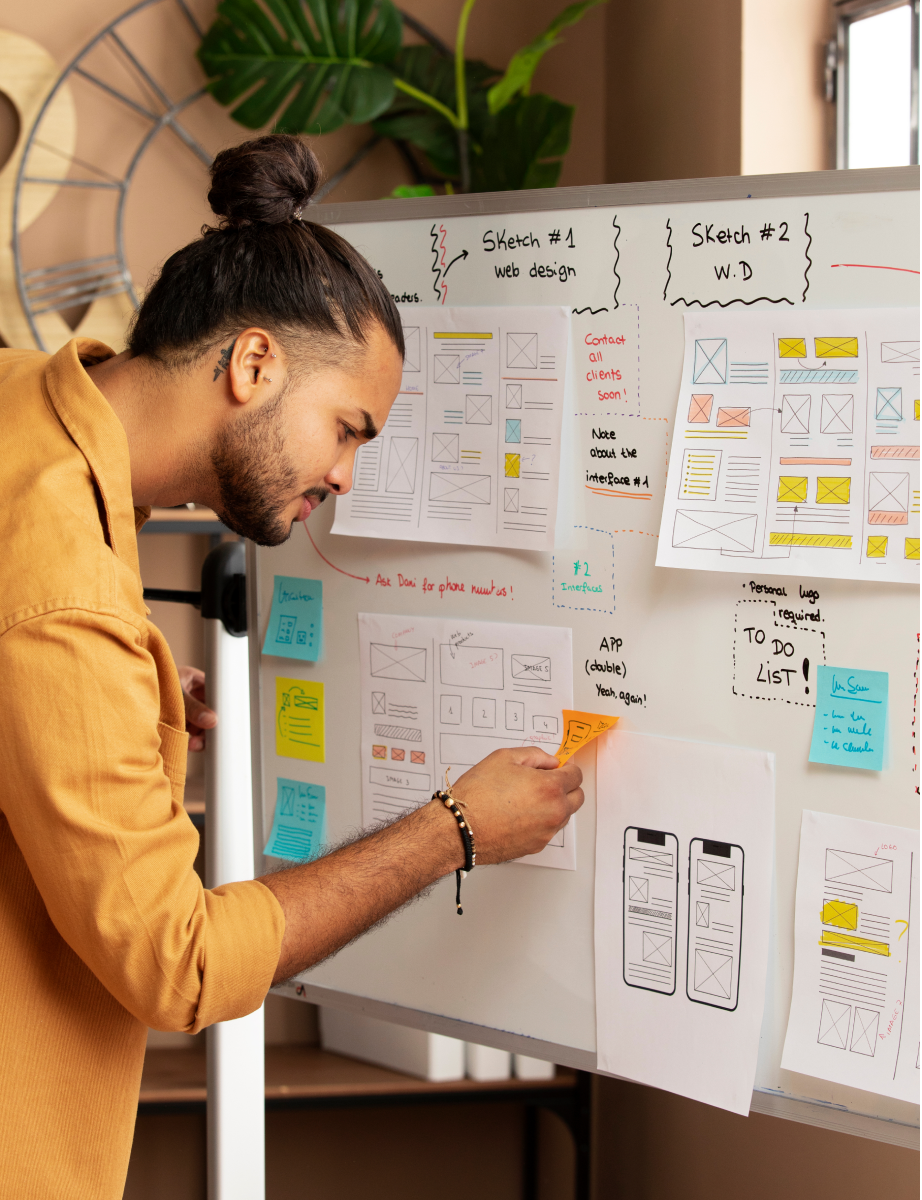
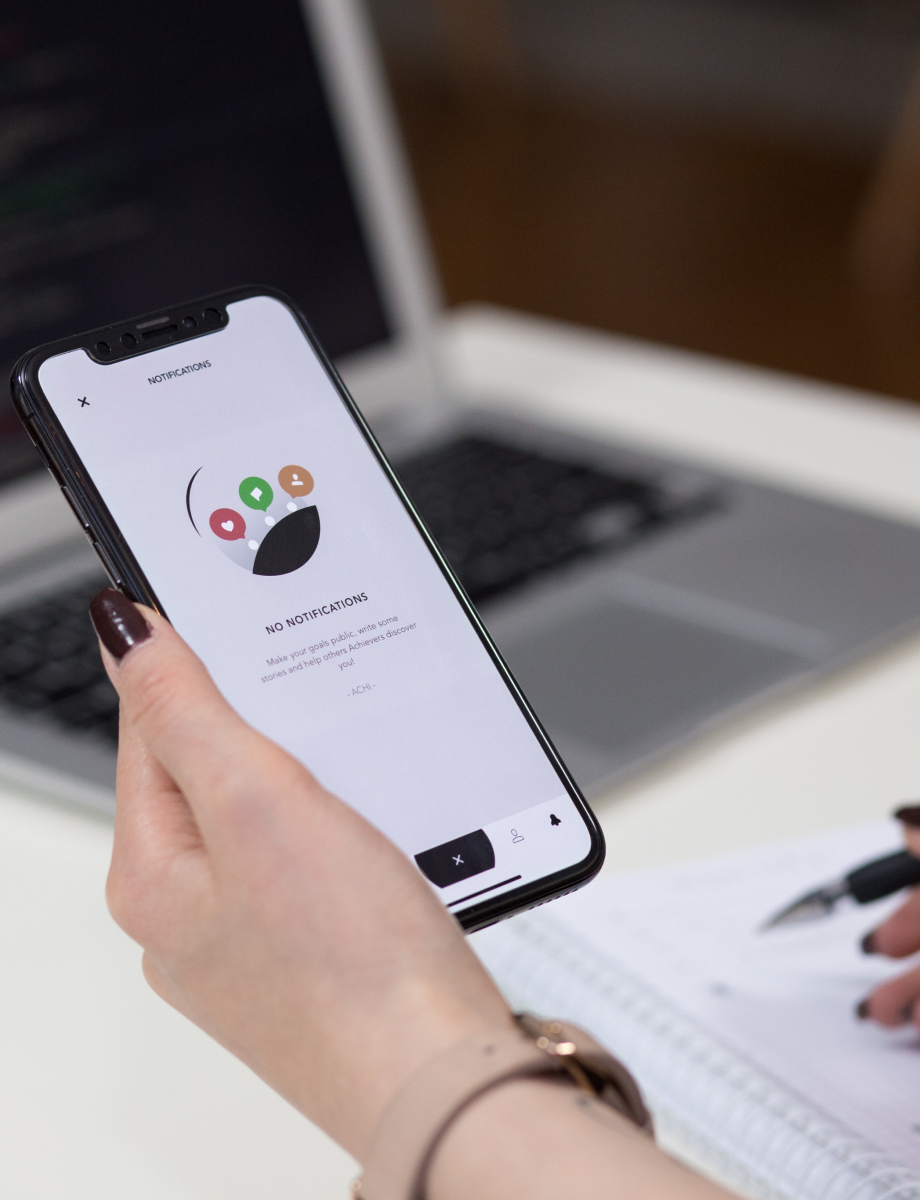
The front-end developers collect all the necessary design files, style guides and assets from the design team. They review the design files to ensure its feasibility and check for any technical constraints or limitations.
-
 Seamless collaboration
-
Feasibility assessment
-
Technical constraints review

Development
The development process begins with coding the HTML, CSS, and JavaScript for the website or application, using the suitable frameworks and libraries. The developers focus on translating the design as it is into a functional, user-friendly website or application.
-
Code optimization
-
Responsive UI
-
Framework utilization
Testing and debugging
After development, we test the product on multiple browsers and devices to ensure cross-browser compatibility and consistency. Any bugs or issues are resolved and code is optimized for best performance.
-
Cross-browser compatibility
-
Consistent user experience
-
Bug resolution
Deployment
The front-end development team integrates the website or app with back-end systems and deploys it to the production environment. They ensure proper hosting and configurations as well as necessary security measures.
-
Integrated systems
-
Optimal hosting
-
Enhanced security
Maintenance
The development team provides ongoing maintenance and updates to ensure the website or application continues to function correctly. From fixing bugs or security issues to updating features or technologies, our developers offer on-demand support.
-
Ongoing support
-
Bug fixes
-
Feature updates
Words of praise from happy clients
Listen to what our clients share about their experience working with our award-winning UX design company.








FAQ on front end development
What is front-end development?
How is Aufait UX different from any other front end development company?
How much time does it take to complete a front end development project?
How is Aufait UX different from any other front end development company?
Do you offer post-delivery support?
How do you ensure that the front-end development aligns with the overall design and user experience?
How can Aufait UX improve Sharepoint UX?
What are the steps of an enterprise UI UX design process?
-
1.
Understand the users and their needs: Research and gather information about the target users, their goals, and pain points.
-
2.
Define the problem and goals: Define the problem that needs to be solved and the goals that need to be achieved.
-
3.
Create a user flow: Develop a flowchart that outlines the steps a user will take to accomplish their goals.
-
4.
Design wireframes and mockups: Create low-fidelity visual representations of the user interface, such as wireframes and mockups.
-
5.
Conduct user testing: Test the wireframes and mockups with real users to gather feedback and make improvements.
-
6.
Design the final interface: Use feedback from user testing to create a high-fidelity design of the user interface.
-
7.
Develop and implement: Once the design is finalized, it can be handed over to the development team for implementation.
-
8.
Monitor and improve: Continuously monitor the performance of the UI/UX design and make improvements as needed.
What are the steps of an enterprise UI UX design process?
-
1.
User research and analysis: In this step, we conduct user research to understand the needs, goals, and pain points of the target audience. The research may be through surveys, interviews, or user testing.
-
2.
Define: The second step Define involves creating an information architecture, sitemap, user flows and wireframes to build a strong foundation for the design.
-
3.
UI design: Here, we design the visual elements of a user interface, such as the layout, color scheme, and typography.
-
4.
Interaction design: This step is about designing users’ interactions points with a product or service, including navigation, controls, and feedback.
-
5.
User testing: We test the enterprise app with users to identify any usability issues and gather feedback.
-
6.
Prototyping: We create a working prototype of a product or service to test the usability and gather feedback from the clients before final design.
-
7.
Front end development: We perform the front-end development to ensure that the design is translated precisely to corresponding code and it meets the needs of the users.
-
8.
Ongoing refinement: We constantly monitor the performance of the enterprise app, gather feedback and data, and make improvements to optimize user experience over time.
Are there any specific challenges associated with UX/UI design for enterprise applications?
-
1.
Complexity: Enterprise apps are characterized by high levels of complexity due to the large number of features and functionalities they have. Hence designing a simple and easy to use UI UX is often challenging.
-
2.
Consistency: Enterprise applications are often highly customized, and may need to be tailored to the specific needs of different departments or business units. This can make it difficult to design a user interface that is consistent and easy to use across the entire organization.
-
3.
Integration: Enterprise applications often need to be integrated with other systems and tools within the organization. Designing a seamless UI that supports this integration is a challenging task.
-
4.
Scalability: Scalability is an important criteria for enterprise apps owing to the large numbers of users and data associated with enterprises. Designing an interface that is fast and responsive is hence key for enterprise software.
-
5.
Stakeholders involvement: As multiple stakeholders are involved in enterprise apps and each may be having their own requirements and perspectives, designing a UX UI that meets the needs of all stakeholders is important.
-
6.
User's diversity: The users of enterprise software may have different levels of technical expertise and different goals. Hence accessibility and easy to use for everyone are must-haves for enterprise app design.
-
Though the challenges of enterprise UX design are many, the expert team at Aufait UX can help you overcome them and design an efficient app that meets all your needs.
What are the enterprise UI UX design services you offer?
What is the cost for hiring Aufait UX for enterprise UI UX design service?
-
1.
Project Mode: The cost of the project is based on the scope, deliverables, and duration of the project. This model is recommended for new product developments from the ground-up and total product revamp projects.
-
2.
Time & Material based: The project cost is estimated based on the effort expended and the scope is determined by the customer. This model is suggested for projects where the scope cannot be finalized initially, and for maintenance projects that require ongoing effort for maintenance and enhancements. Most of our enterprise customers transition to the T&M model once the initial products are designed and implemented.
-
3.
Design Packages: We offer various packages to develop clickable and demonstrable prototypes, allowing our customers to quickly turn an idea into a tangible prototype. This is ideal for visualizing a product idea and presenting it to potential customers, stakeholders and investors.
What kind of information do you need for price estimation?
-
1.
Project scope: Tell us the scope of the project, including the specific features and functionality that need to be designed, as well as any constraints or limitations
-
2.
Deliverables: Define the specific deliverables that you expect from the project, such as wireframes, user flows, prototypes, and design system.
-
3.
Timeline: Provide an estimated timeline for the project, including important milestones and deadlines.
-
3.
Budget: Tell us an estimated budget for the project, including any constraints or limitations.
-
The T&M model is an ongoing partnership model in which our team takes part along with your sprint and in this model, the cost depends on the resource requirements.
How can we measure the success of our enterprise UX design?
-
1.
User satisfaction: Use surveys, interviews, or usability testing, to measure user satisfaction and gain insight into how well the design meets the needs of the users.
-
2.
Productivity: Track the time it takes for users to complete specific tasks, or measure the number of tasks completed in a given period of time to get insights on how enterprise UX design improves productivity.
-
3.
Error rate: Monitor the number of errors users make while using the software and compare it with previous error rate to get insights on effectiveness of enterprise UX design.
-
4.
ROI: To measure ROI, compare the costs associated with the design project to the benefits such as increased productivity, improved user satisfaction, and reduced training and support costs.
What is the role of a Design System in enterprise UX ?
-
1.
Consistency: A design system helps to ensure consistency across all of an organization's digital products, by providing a set of guidelines and patterns for design, interaction, and branding. This improves ease of navigation and builds a consistent experience throughout the design.
-
2.
Reusability: With a set of reusable components, such as buttons, forms, and navigation elements that can be used across different products, design systems support reusability. As a result development and maintenance effort and cost can be reduced.
-
3.
Scalability: A design system supports an organization's growth by supporting scalability and evolving to meet the organizational changes over time.
-
4.
Accessibility: With accessibility guidelines and components, design systems ensure that digital products are accessible for all users, including those with disabilities.
-
4.
Brand alignment: A design system aligns the organization's digital products with the company's brand, vision and design guidelines.
-
.5
Unified communication: A design system provides a unified language to communicate and collaborate improving the understanding among different teams and stakeholders.
How to handle security and compliance requirements in enterprise UX design?
-
1.
Implementing secure authentication and access controls to limit who can access sensitive information.
-
2.
Encrypting data in transit and at rest to protect it from unauthorized access.
-
3.
Regularly update the system and its components to ensure that the latest security patches and fixes are applied.
-
4.
Providing user training and education on security best practices to ensure that employees are aware of the importance of protecting sensitive information and know how to do so.
-
5.
Incorporating compliance requirements into the design process, such as making sure that the user interface meets accessibility standards and that data is handled in accordance with industry regulations.
-
.6
Regularly auditing the system to ensure that it remains compliant with security and regulatory requirements.
-
.7
Use secure design patterns and guidelines, such as the OWASP Top 10, to ensure that the design is secure and compliant
What are the steps of an enterprise UI UX design process?
-
1.
User research and analysis: In this step, we conduct user research to understand the needs, goals, and pain points of the target audience. The research may be through surveys, interviews, or user testing.
-
2.
Define: The second step Define involves creating an information architecture, sitemap, user flows and wireframes to build a strong foundation for the design.
-
3.
UI design: Here, we design the visual elements of a user interface, such as the layout, color scheme, and typography.
-
4.
Interaction design: This step is about designing users’ interactions points with a product or service, including navigation, controls, and feedback.
-
5.
User testing: We test the enterprise app with users to identify any usability issues and gather feedback.
-
6.
Prototyping: We create a working prototype of a product or service to test the usability and gather feedback from the clients before final design.
-
7.
Front end development: We perform the front-end development to ensure that the design is translated precisely to corresponding code and it meets the needs of the users.
-
8.
Ongoing refinement: We constantly monitor the performance of the enterprise app, gather feedback and data, and make improvements to optimize user experience over time.